Getting Started
Get up and running with SkyPortal in minutes. This guide will walk you through creating your account and taking your first steps with the platform.
Sign Up for SkyPortal
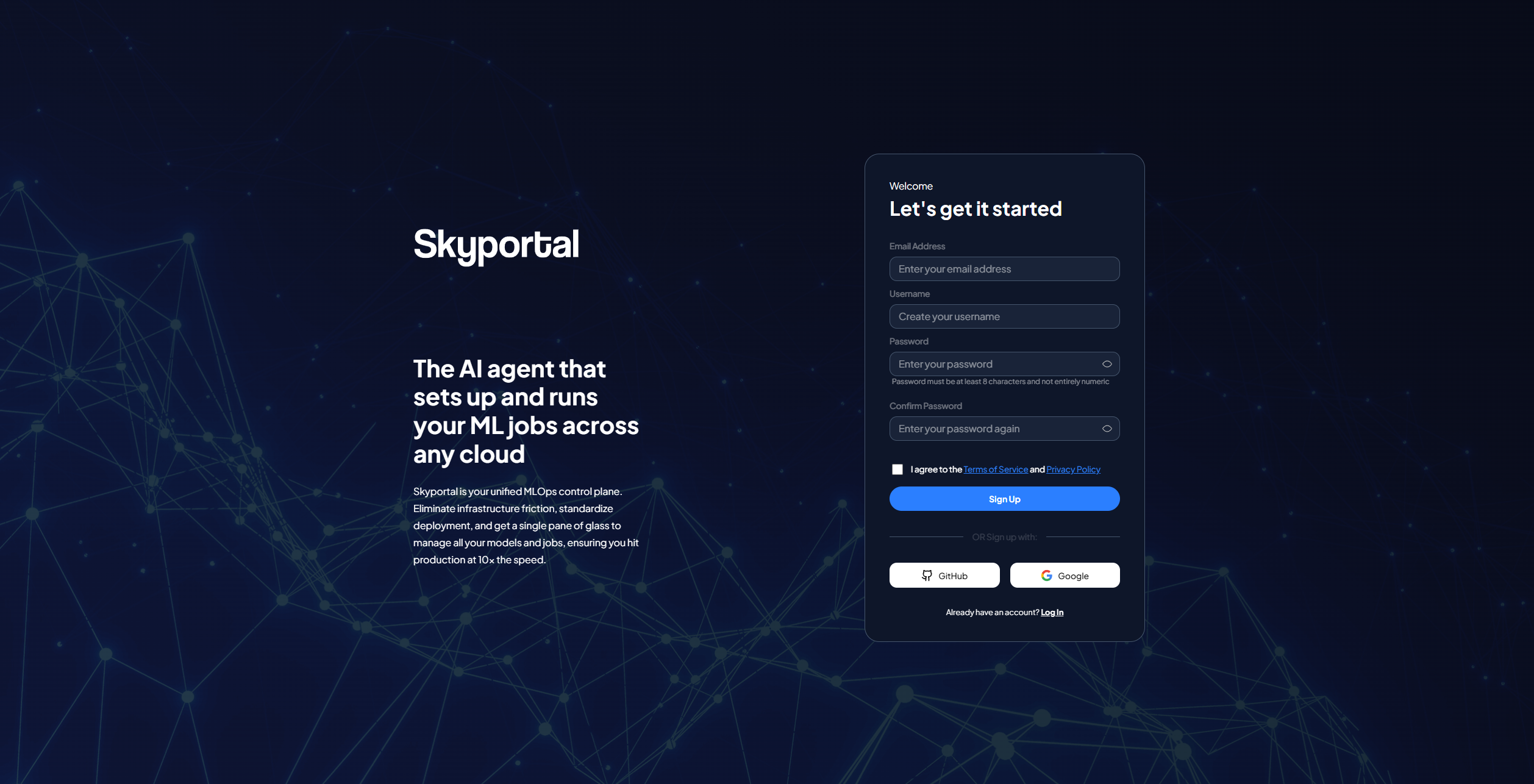
Create Your Account
Getting started with SkyPortal is simple and takes just a few minutes:
1. Visit SkyPortal.ai
Head over to skyportal.ai/accounts/signup to begin your journey.
2. Sign Up Options
Choose your preferred registration method:
- Email & Password: Create a traditional account with your email
- GitHub: Sign up instantly using your GitHub account
- Google: Quick signup with your Google account
3. Complete Your Profile
Enter the following details:
- Email Address: Your primary contact email
- Username: Choose a unique username for your account
- Password: Create a secure password (minimum 8 characters, including letters and numbers)
- Confirm Password: Re-enter your password
4. Accept Terms
Review and accept our Terms of Service and Privacy Policy to continue.
5. Start Using SkyPortal
Once registered, you'll have immediate access to:
- Multi-cloud host management
- ML experiment tracking
- Real-time observability dashboards
- AI-powered assistance
- Team collaboration tools
What Happens After Sign Up?
Once you've created your account, you'll be able to:
-
Link your AWS, GCP, Azure, or GPU provider accounts to start managing resources.
-
Deploy your first ML training job across any connected cloud infrastructure.
-
Watch your experiments with live metrics, GPU usage, and budget tracking.
-
Get help from intelligent copilots that optimize and automate your workflows.
Need Help?
- Documentation: Explore our User Guide for detailed features
- API Access: Check out the API Reference for programmatic access
- Support: Contact our team through the platform
Ready to get started?